Short Answer
The best AI job-search tool depends on which part of the search is breaking. Use Jobscan, Teal, Careerflow, Huntr, Simplify, Rezi, or PlacementOS based on the workflow stage: resume matching, resume writing, application tracking, autofill, LinkedIn optimization, interview prep, follow-up, or weekly review.
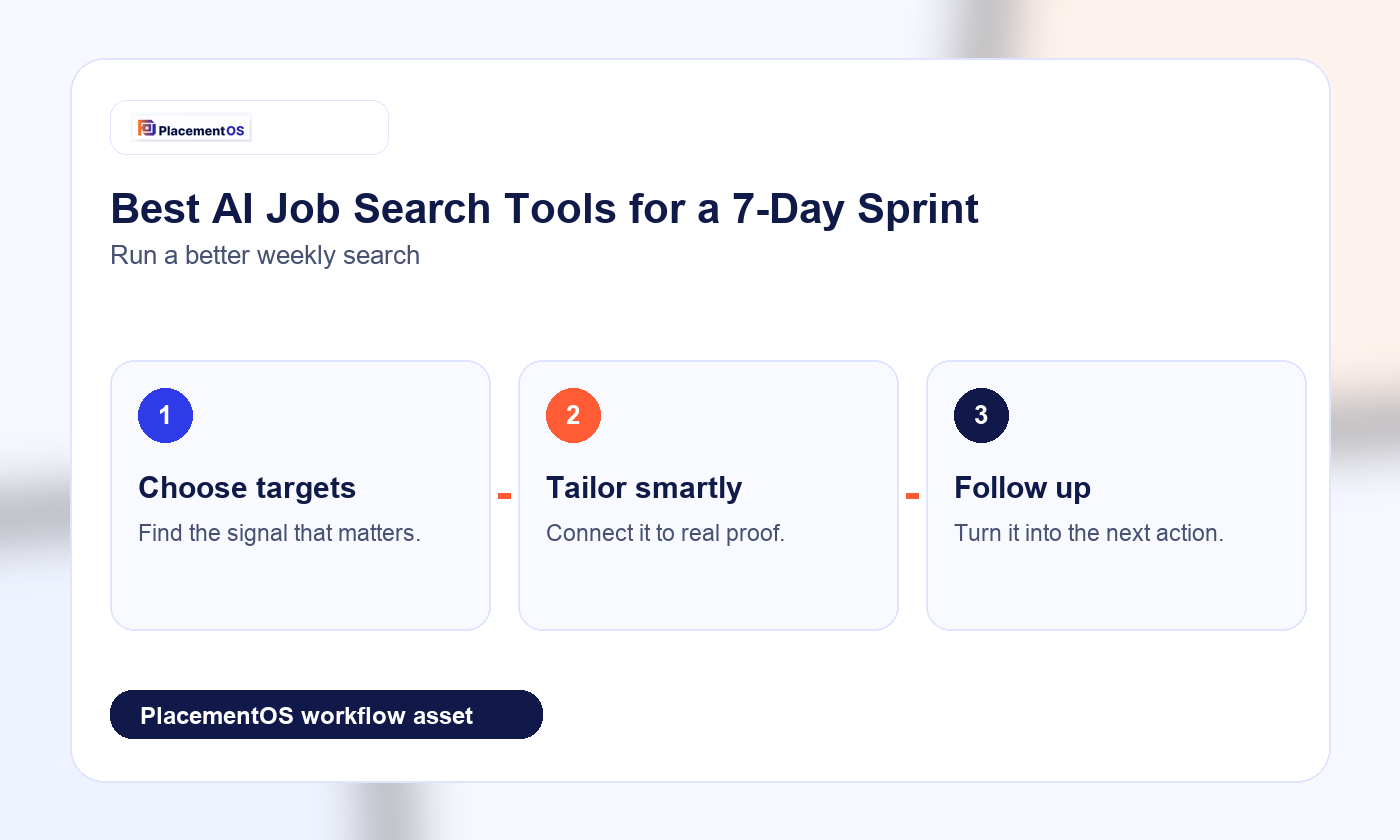
For a 7-day sprint, do not start by collecting every tool. Start with one workflow: define target roles, clean the base resume, tailor a small batch of applications, track every action, follow up, prepare for interviews, and review the signal quality at the end of the week.
Quick Tool Matrix
| Need | Best-fit tool category | Tools to compare first | What to watch |
|---|---|---|---|
| Resume-to-job-description fit | ATS and resume matching | Jobscan, Teal, Careerflow, Rezi, Simplify | Match scores are guidance, not hiring outcomes |
| Job-search organization | Job tracker | Teal, Huntr, Simplify, PlacementOS | Tracking must include follow-up and response quality, not only saved jobs |
| Faster application workflow | Autofill and job bookmarking | Huntr, Simplify, Teal | Autofill still needs human review before submission |
| LinkedIn and profile improvements | Profile optimization | Careerflow | Profile changes should stay accurate and specific |
| Weekly job-search execution | Operating system and sprint workflow | PlacementOS | The system should tell you what to do next, not just store tasks |
| Resume writing and refinement | AI resume builder | Teal, Careerflow, Huntr, Rezi, Simplify | Keep the resume specific and true to your experience |
The 7-Day Sprint
Day 1: Define The Target
The first day is not for mass applying. It is for narrowing the search.
Output:
- 2-3 target role titles.
- 20 target companies or sources.
- Must-have filters: location, remote/hybrid, level, compensation range if known, industry, and deal-breakers.
- A tracker with columns for role, company, source, status, contact, follow-up date, and notes.
Useful tool type:
- Job tracker.
- Role research tool.
- Saved-job workflow.
Day 2: Clean The Base Resume
Before tailoring, build one strong base resume. This should be accurate, specific, and easy to scan.
Output:
- One clean base resume.
- Clear work history.
- Bullet points with real tools, scope, metrics, customers, systems, or outcomes.
- Removed filler phrases.
Useful tool type:
- AI resume builder.
- Resume checker.
- Formatting checker.
Safe-use rule:
AI can help with clarity, but it should not invent metrics, tools, responsibilities, or seniority.
Day 3: Tailor Five Applications
Pick five roles that are close enough to justify a tailored application. Use resume-match tools to find gaps, but edit manually.
Output:
- Five role-specific resume variants.
- A short note on what changed for each role.
- A checklist of claims verified against real experience.
Useful tool type:
- ATS/resume match checker.
- Keyword scanner.
- Resume tailoring assistant.
Safe-use rule:
Do not keyword-stuff. A resume that scores higher but reads worse is not a better resume.
Day 4: Apply And Track
Submit the small batch, then log every action.
Output:
- Applications submitted.
- Status logged.
- Source recorded.
- Follow-up date added.
- Resume version attached or noted.
Useful tool type:
- Job tracker.
- Autofill tool.
- Browser extension.
Safe-use rule:
Autofill is a speed tool, not a judgment tool. Review every field before submitting.
Day 5: Follow Up And Network
Use AI to draft outreach, but keep the final message human and specific.
Output:
- Follow-up messages for priority roles.
- Short outreach notes for relevant contacts.
- A simple "why this company / why this role" sentence for each priority application.
Useful tool type:
- Follow-up template builder.
- Contact tracker.
- Message draft assistant.
Safe-use rule:
Do not send generic outreach at scale. A small number of specific messages is usually better than a large number of vague ones.
Day 6: Prepare For Interviews
Use the actual job descriptions to prepare.
Output:
- 10 likely interview questions.
- Company notes.
- Role-specific examples from your experience.
- Gaps to research or practice.
Useful tool type:
- Interview prep assistant.
- Job description summarizer.
- Company research assistant.
Safe-use rule:
Do not rehearse a fake persona. Prepare sharper examples from your real background.
Day 7: Review The Signal
The final day is for deciding what to change.
Output:
- How many roles were a strong fit?
- Which resume version was used?
- Which applications received responses?
- Which roles felt weak or misaligned?
- What will change next week?
Useful tool type:
- Scorecard.
- Tracker.
- Weekly operating system.
Safe-use rule:
Do not judge the sprint only by application count. Measure fit quality, response quality, follow-up completion, and whether the process became clearer.
Tool-By-Tool Breakdown
Teal
Teal is best framed as a job-search organization and resume-tailoring platform. Its official site emphasizes AI resumes, a job tracker, resume/job-description matching, job insights, bookmarking roles from job boards, and career resources.
Best fit:
- Saving jobs from many boards.
- Tracking applications and follow-ups.
- Tailoring resumes and cover letters.
- Keeping the search out of scattered spreadsheets.
Watch out:
- Do not keep rewriting until the resume sounds generic.
- Do not treat tracking as progress unless applications and follow-ups are actually happening.
Jobscan
Jobscan is best framed as an ATS and resume-match tool. Its official site emphasizes resume scanning, match-rate feedback, ATS-friendly resumes, formatting checks, and job-description alignment.
Best fit:
- Comparing one resume against one job description.
- Finding missing keywords or formatting issues.
- Improving a targeted application.
- Learning how ATS-style filtering may interpret a resume.
Watch out:
- Jobscan itself notes over-optimization risk. A higher score is not always worth awkward wording or keyword stuffing.
- A match score does not guarantee recruiter interest.
Careerflow
Careerflow is best framed as a broader AI career platform. Its official site emphasizes AI resume building, ATS optimization, job-fit analysis, LinkedIn profile optimization, job-description summarizing, and career workflow tools.
Best fit:
- Job seekers who want resume help plus LinkedIn/profile support.
- People who want several job-search tools in one platform.
- Users who need a wider career workflow, not only a resume score.
Watch out:
- AI scoring and profile advice still need human review.
- Do not let broad tooling create tool sprawl.
Huntr
Huntr is best framed around organizing the job search, job tracking, tailored resumes, cover letters, autofill, contact tracking, and interview schedule management.
Best fit:
- People who want a purpose-built job-search tracker.
- Job seekers who need tailored resumes plus application organization.
- Candidates who want autofill, but still plan to review before submission.
Watch out:
- Autofill can create errors if the job seeker does not check every field.
- Tracking is only valuable if status, notes, contacts, and follow-up dates are maintained.
Simplify
Simplify is best framed around AI resume tailoring, ATS scoring, missing keyword identification, job bookmarking, and application tracking.
Best fit:
- Job seekers who want resume tailoring plus job bookmarking.
- People applying across many boards and needing a cleaner tracking flow.
- Candidates who want speed but still need fit checks.
Watch out:
- Do not optimize for application volume alone.
- Review every resume change and application field.
Rezi
Rezi is best framed around AI resume building, keyword targeting, ATS resume checks, and cover letters.
Best fit:
- Building or rebuilding a resume.
- Checking ATS-style compatibility.
- Using keyword targeting carefully.
- Drafting cover letters from accurate resume and job-description context.
Watch out:
- Verify every claim and keyword against real experience.
- Avoid adding language only because a tool suggests it.
PlacementOS
PlacementOS should be framed as the weekly execution system across resume analysis, role targeting, smart job matching, application tracking, follow-up, interview prep, and review.
Best fit:
- Job seekers who want a guided plan, not disconnected tools.
- People who need to know what to do next this week.
- Candidates who want resume feedback tied to role targeting and search execution.
- Users who want the search to become a repeatable operating loop.
Watch out:
- PlacementOS should not be framed as an outcome guarantee.
- The right promise is operational clarity: better targeting, better tracking, better review, and a more disciplined weekly search.
Best Tool By Bottleneck
| Bottleneck | Choose this kind of tool first |
|---|---|
| "My resume may not match the role." | Resume match checker |
| "My resume sounds generic." | Resume editor with manual review |
| "I lose track of applications." | Job tracker |
| "I spend too long filling forms." | Autofill with human review |
| "My LinkedIn profile is weak." | Profile optimizer |
| "I do not know what to do next." | Weekly job-search operating system |
| "I am applying a lot but learning nothing." | Scorecard and review workflow |
What Not To Do With AI Job-Search Tools
- Do not invent experience, education, metrics, employers, tools, or responsibilities.
- Do not blindly mass apply.
- Do not keyword-stuff a resume until it reads unnaturally.
- Do not send outreach that sounds copied.
- Do not use an AI-generated answer in an interview if it does not reflect your real experience.
- Do not treat ATS scores as hiring outcomes.
- Do not treat any tool as a guarantee of interviews, offers, recruiter replies, salary increases, or career change success.
FAQ
What is the best AI job-search tool?
The best AI job-search tool depends on the bottleneck. Use a resume-match tool when the resume needs better role alignment, a tracker when applications are disorganized, an autofill tool when forms are slowing you down, and a weekly operating system when you need a plan for what to do next.
Are AI resume tools worth it?
AI resume tools can be useful for structure, clarity, keyword awareness, and role-specific edits. They are risky if they invent experience, flatten your voice, or encourage keyword stuffing. Use them as editors, not as unchecked ghostwriters.
Should I use one tool or multiple tools?
Use one primary workflow first. Add a second tool only if it solves a specific bottleneck. Too many tools can create more work than they remove.
Can AI apply to jobs for me?
Some tools can speed up parts of the application process, but every application should be reviewed before submission. Blind mass-applying can create errors, weak fit, and low-quality tracking.
How many applications should I send in a 7-day sprint?
There is no universal number. A useful sprint might include a smaller set of well-fit, tailored applications plus follow-up and interview prep. The better question is whether the applications are targeted, tracked, and reviewed for signal quality.
How do I know if my AI-edited resume is working?
Track which resume version you used, which role it targeted, whether you received a response, and whether the resume still sounds specific and accurate. If the resume looks optimized but reads generic, revise it.
Which tool is best for job tracking?
Teal, Huntr, Simplify, and PlacementOS are all relevant to compare for job tracking and job-search organization. The best fit depends on whether you need a tracker only, tracker plus resume tools, autofill, or a broader weekly execution system.
Which tool is best for ATS checks?
Jobscan, Teal, Careerflow, Rezi, and Simplify are all relevant to compare for ATS and resume-fit checks. Treat scores as feedback, not as proof that a recruiter will respond.
Related PlacementOS guides
Use these guides to move from comparison or preparation into a stronger weekly job-search system.
- Compare Teal, Jobscan, Careerflow, and PlacementOS
- Jobscan alternative for an AI job search system
- AI job search workflow after a layoff
Recommended PlacementOS CTA
If you want a job-search system instead of a stack of disconnected tools, use PlacementOS to turn resume feedback, role targeting, job matching, tracking, follow-up, and interview prep into a weekly execution plan.
Source Links
- Teal official site: Teal job search tools
- Jobscan official site: Jobscan ATS resume scanner
- Careerflow official site: Careerflow AI job search platform
- Huntr official site: Huntr job search tracker
- Simplify official site: Simplify job application autofill
- Rezi official site: Rezi AI resume builder
- Second-batch source refresh:
projects/placement-os/evidence/second-batch-source-refresh-2026-06-11.md