Quick answer: The best job application tracker is the one that helps you decide what to do next. A spreadsheet can store company names. A stronger tracker connects role fit, resume version, follow-up date, interview stage, and weekly priorities so your job search becomes a controlled system instead of a pile of open tabs.
Most candidates start tracking too late. They save jobs in browser tabs, apply with different resume versions, forget where they followed up, and lose the signal on which roles are actually responding. A job tracker fixes that only if it tracks decisions, not just activity.
What a job application tracker should include
| Tracker field | Why it matters | PlacementOS angle |
|---|---|---|
| Role priority | Not every job deserves the same effort | Rank roles by fit, compensation, urgency, and proof strength |
| Resume version | You need to know what message was sent | Connect each application to the tailored resume and keyword cluster |
| Follow-up date | Good applications still need follow-through | Turn stale applications into scheduled actions |
| Stage and outcome | Activity without outcomes is noise | Track which roles generate recruiter replies and interviews |
Best tracker categories
1. Spreadsheet trackers
A spreadsheet is enough when you are applying to a small number of roles and want full control. It is flexible, free, and easy to customize. The downside is that it does not tell you which applications deserve more effort.
2. Kanban job trackers
Kanban-style trackers are useful when you need visual stages: saved, tailored, applied, follow-up, interview, offer, rejected. They make pipeline status easy to scan, but they can become shallow if they do not track resume fit and role priority.
3. AI job trackers
An AI job tracker should help summarize roles, compare fit, suggest next actions, and connect job descriptions to resume tailoring. It should not encourage blind volume or generic applications.
4. PlacementOS-style operating systems
PlacementOS should sit above the tracker. It should connect the job pipeline to resume score vs job match score, AI resume tailoring, follow-ups, interview prep, and weekly planning.
Job tracker checklist
- Can you see which jobs are high fit?
- Can you see which resume version was used?
- Can you schedule follow-ups?
- Can you separate saved jobs from real targets?
- Can you learn which applications are producing interviews?
Recommended workflow
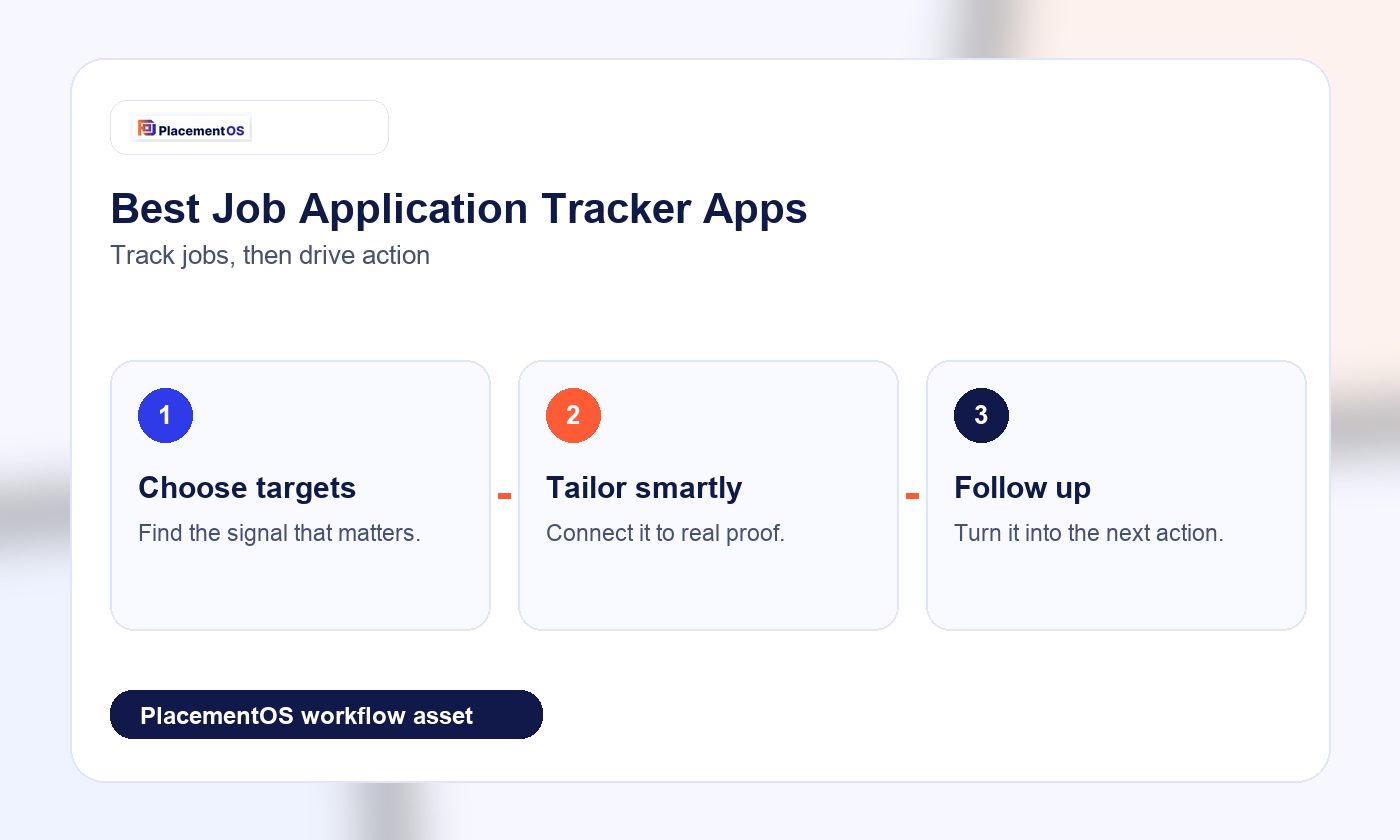
Start with a weekly target list. Score each role for fit. Tailor only the roles that deserve effort. Track the resume version used. Schedule follow-ups. Review outcomes every week. If a tracker does not help with that loop, it is only a storage tool.
Next, compare this with the job tracker spreadsheet vs AI guide and the weekly job search plan with AI.