Quick answer: Use a job application tracker spreadsheet if you need a simple, free way to organize roles. Use an AI job tracker when you need help prioritizing jobs, tailoring resumes, summarizing job descriptions, and planning follow-ups. The best workflow is not spreadsheet versus AI. It is tracking plus decision-making.
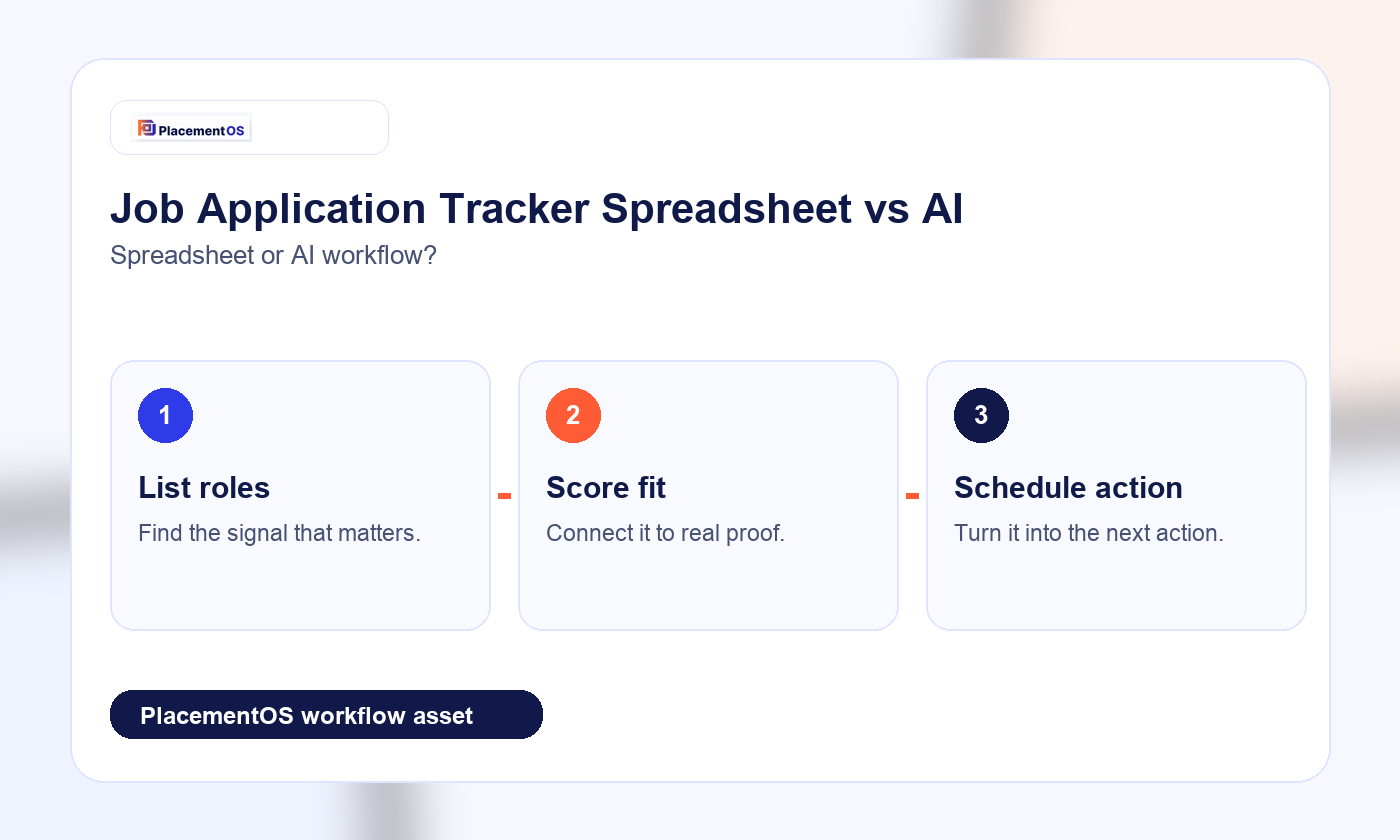
A spreadsheet can work beautifully when the process is small. It becomes fragile when applications multiply, roles blur together, and follow-ups disappear. AI can help, but only if it improves judgment. If it only creates more activity, it is not an upgrade.
Spreadsheet vs AI tracker
| Need | Spreadsheet | AI tracker |
|---|---|---|
| Cost | Usually free | May require a paid tool |
| Flexibility | Fully customizable | Depends on product workflow |
| Role prioritization | Manual scoring | Can suggest fit and next action |
| Resume tailoring | Manual notes | Can connect job description to resume proof |
| Follow-ups | Works if maintained | Can turn dates into reminders and weekly tasks |
When a spreadsheet is enough
- You are applying to fewer than 10 roles per week.
- You know exactly which roles are high priority.
- You do not need resume-fit scoring inside the tracker.
- You are disciplined about follow-up dates.
When AI helps
- You are comparing many similar roles.
- You need to identify which jobs deserve tailoring.
- You want job descriptions summarized into requirements.
- You need to connect keywords to proof without stuffing.
- You want a weekly review of what is stuck, stale, or promising.
Kanban workflow
A job application kanban is useful because it shows movement. Use stages like saved, qualified, tailoring, applied, follow-up, interview, offer, rejected, and archived. The key is to add quality gates. A job should not move from saved to applied until fit, resume version, and follow-up plan are clear.
PlacementOS recommendation
Use a spreadsheet if you only need visibility. Use PlacementOS when you need visibility plus action. A good job-search operating system should connect your tracker to job application tracker choices, resume keyword scanning, and a weekly job search plan.