Quick answer: An ATS resume checker helps you diagnose whether your resume mirrors a job description. A job match score helps you decide whether that job is worth your time. The strongest PlacementOS workflow uses both: check the resume, verify the fit, tailor with proof, then track the application.
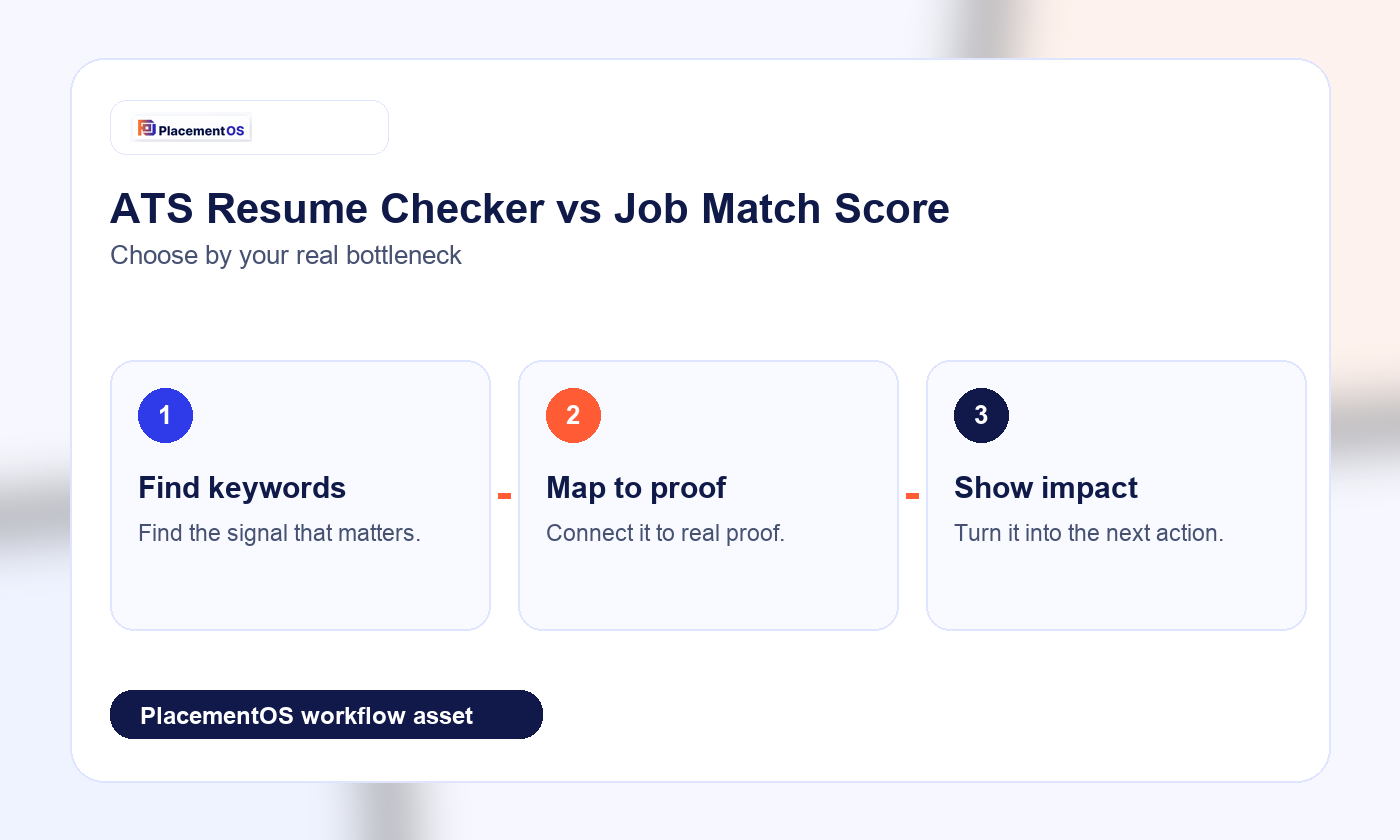
This distinction matters because many job seekers chase a higher score without asking whether the role is actually a good target. A resume can look optimized and still be weak for the job if the proof is thin, the seniority is mismatched, or the keywords are copied without evidence.
ATS resume checker vs job match score
| Question | ATS resume checker | Job match score |
|---|---|---|
| What does it inspect? | Resume keywords, formatting, sections, and match language | Overall fit between the candidate, role, company, and application effort |
| Best use | Find missing role language before applying | Decide whether to apply, tailor, save, or skip |
| Main risk | Keyword stuffing | Trusting a score without reading the job deeply |
| Best next step | Map each keyword to real proof | Prioritize the highest-fit roles for the week |
How to use both without gaming the system
- Read the job description for repeated requirements. Look for skills, tools, outcomes, seniority signals, and responsibilities that appear more than once.
- Run the resume through a checker. Use the diagnostic to find missing language, unclear sections, and weak alignment.
- Convert keywords into proof. For every missing term, ask whether you have a real project, metric, customer, system, or decision that proves it.
- Review job match score as a decision signal. If the job is low fit, do not waste an hour forcing a resume to match.
- Apply only after the resume tells the truth clearly. The goal is not a perfect score. The goal is a credible application that earns a conversation.
Keyword-to-proof workflow
| Job requirement | Do not do this | Do this instead |
|---|---|---|
| Project management | Add the phrase with no context | Describe the project scope, timeline, stakeholders, and outcome |
| SQL | List SQL if you only watched tutorials | Show the dashboard, query, analysis, or decision your SQL work supported |
| Customer communication | Say you are a strong communicator | Explain the audience, message, conflict, and result |
Where PlacementOS fits
PlacementOS should sit around the checker. Use it to compare roles, plan the weekly sprint, connect resume score and job match score, and move from diagnosis to action. If a checker says your resume is missing keywords, PlacementOS should help decide which edits matter for this role and which applications deserve the most effort.
For related workflows, read the Jobscan alternatives guide and the guide on how to tailor a resume without sounding generic.
Related PlacementOS guides
Use these guides to connect ATS checks, resume keywords, job match decisions, and proof-led tailoring before you apply.