Quick answer: A resume keyword scanner should help you extract important terms from a job description and map them to real proof in your resume. It should not push you to copy every phrase. The winning workflow is keyword extraction, proof matching, bullet editing, and final application prioritization.
ATS keywords matter because recruiters and systems need to understand fit quickly. But keywords only help when they clarify experience. If the resume says Kubernetes, forecasting, stakeholder management, or lifecycle marketing, the bullet should prove where that work happened.
Resume keyword scanner workflow
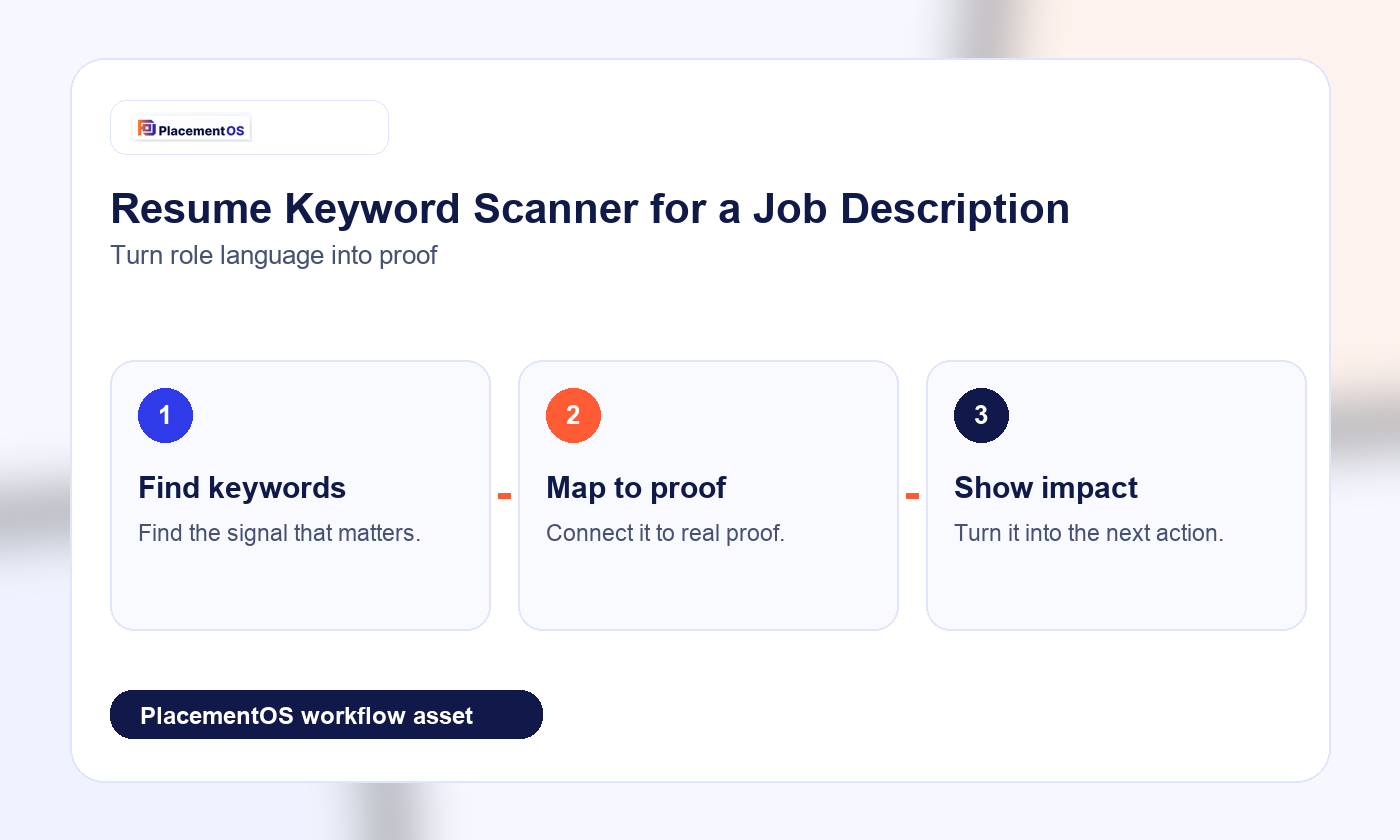
- Paste the job description into a scanner or review workflow. Pull out repeated skills, tools, responsibilities, outcomes, and seniority signals.
- Group terms by theme. Separate tools, methods, business outcomes, team responsibilities, and credentials.
- Mark each term as proven, partially proven, or not proven. This prevents keyword stuffing.
- Rewrite only the bullets that need clearer evidence. Add context, scope, metrics, customers, systems, or shipped results.
- Skip or deprioritize roles where the key requirements are not real strengths. A forced match wastes time.
Keyword-to-proof table
| Keyword type | Example | Proof to add |
|---|---|---|
| Tool | Salesforce, SQL, Figma, Python | Where you used it and what decision or output it supported |
| Process | Agile, discovery, forecasting, incident response | Your role, cadence, stakeholders, and result |
| Outcome | Retention, conversion, uptime, cost savings | Metric, baseline, timeframe, and business impact |
| Seniority | Lead, own, partner, influence | Scope of ownership and who depended on the work |
What not to do
Do not hide keywords in white text. Do not list tools you cannot discuss. Do not rewrite your resume so aggressively that it no longer sounds like your experience. Do not optimize a low-fit role just because the keyword score can be improved.
Where PlacementOS fits
PlacementOS should turn keyword scanning into a job-search decision. Pair this workflow with the AI resume tailoring tools guide, the resume score vs job match score guide, and the Jobscan alternatives guide.
Related PlacementOS guides
Use these guides to connect ATS checks, resume keywords, job match decisions, and proof-led tailoring before you apply.