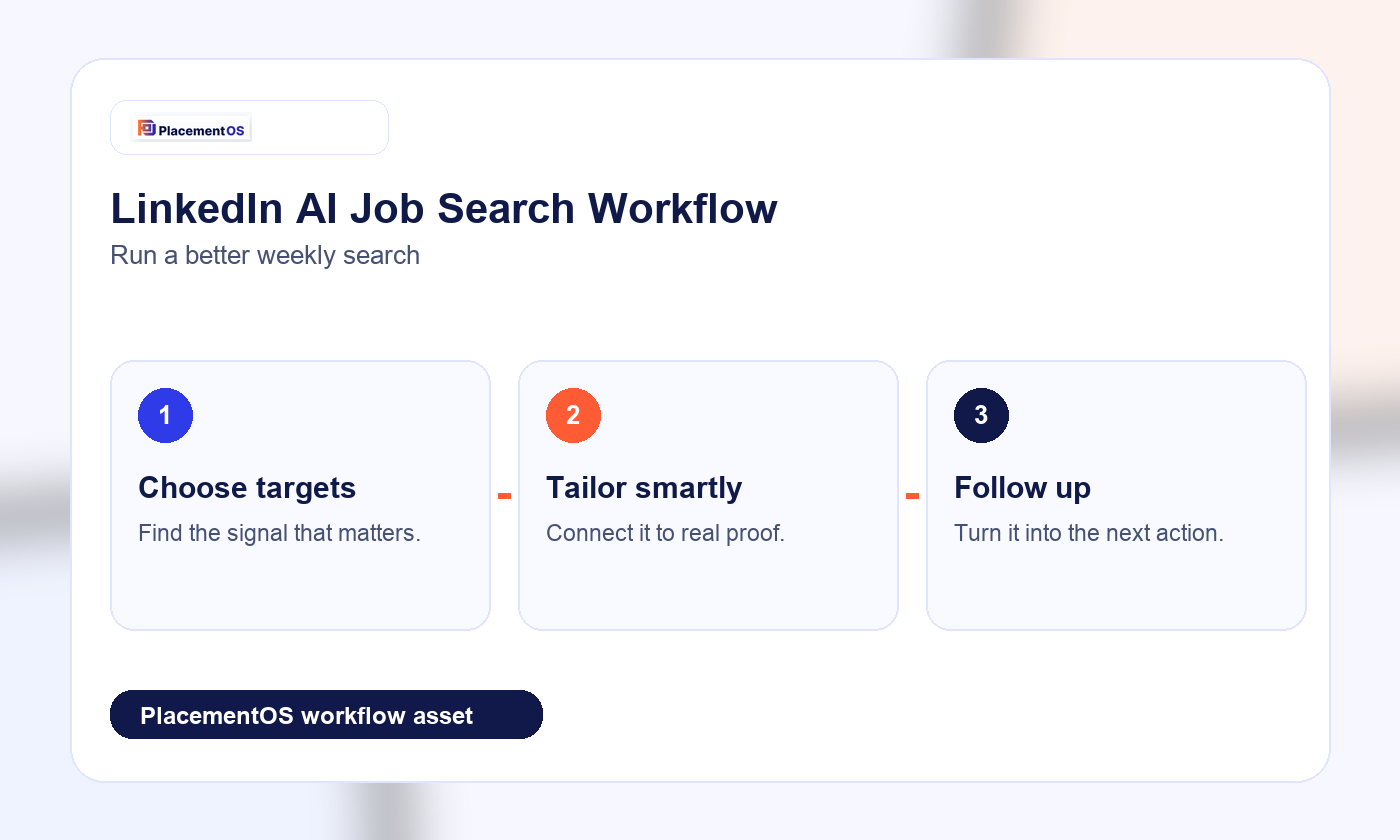
LinkedIn AI job search is most useful when you describe the role, context, skills, level, and location you actually want. Do not treat the results as an auto-apply list. Review fit, tailor proof, and track each next action.
Quick comparison
| Question | Best answer | PlacementOS angle |
|---|---|---|
| Primary intent | LinkedIn AI job search | Turn the search into a decision and weekly action. |
| Main risk | Picking a tool, score, or platform result without reviewing fit. | Keep human review, proof, and follow-up in the loop. |
| Best next action | Name the bottleneck first. | Target, tailor, apply, follow up, and learn weekly. |
What changed with AI-powered job search
LinkedIn now describes an AI-powered search experience where candidates can use more natural descriptions instead of relying only on exact keywords or filters. That matters because many job titles hide similar work under different names. The opportunity is better discovery; the risk is accepting every surfaced job as a good target.
Better search prompts
A weak prompt is vague: remote product jobs. A stronger prompt names role, context, level, constraints, and strengths: growth product manager roles in B2B SaaS where experimentation, lifecycle analytics, and customer research matter. The more precise the input, the easier it is to judge whether a result deserves tailoring time.
Workflow after the search
After LinkedIn surfaces jobs, put each role through four filters: target fit, proof fit, logistics fit, and timing fit. Target fit asks whether the role matches direction. Proof fit asks whether the resume can honestly show the requirements. Logistics fit checks location, visa, compensation, and work model. Timing fit checks posting age and urgency.
Where profile optimization fits
LinkedIn profile optimization is useful because recruiters and search systems need enough signal to understand the candidate. But profile polish should support the target role. Do not stuff the profile with every possible skill. Align headline, about section, experience bullets, and skills with the market you are actually pursuing.
How PlacementOS uses LinkedIn
PlacementOS should treat LinkedIn as a discovery and visibility channel, then bring the work into a controlled operating loop. Save promising roles, map requirements to proof, tailor the resume, decide whether to apply, track follow-up, and review outcomes weekly. That turns search results into a managed pipeline.
Quality over blind applying
AI search can increase the number of possible roles. That does not mean every result deserves an application. The better move is to identify patterns: which role titles appear, which skills repeat, which companies are hiring, and which requirements are realistic. Then apply to fewer, stronger-fit roles with better proof.
Example weekly LinkedIn workflow
Monday, run three precise searches. Tuesday, shortlist roles and reject poor-fit results. Wednesday, tailor the strongest applications. Thursday, update the profile and reach out to relevant contacts. Friday, review which searches produced good roles and adjust prompts for the next week.
Decision rule
Choose the workflow by bottleneck. If discovery is weak, improve search prompts. If resume proof is weak, improve bullets. If applications are scattered, improve tracking. If results are unclear, improve weekly review before adding more volume.
PlacementOS belongs in the moment where a candidate needs the whole search organized into one operating loop instead of another disconnected tool decision.
Related PlacementOS guides
- AI job search workflow after a layoff
- Best AI job search tools for a 7-day sprint
- AI auto-apply risks
- Tailor a resume without sounding generic
FAQ
How do I use LinkedIn AI job search?
Start with a specific role and add context: specialty, level, skills, location, work model, and industry. Then filter results before applying.
Should I apply to every LinkedIn AI result?
No. Use AI search for discovery, then review fit and tailor each application before submitting.
Does LinkedIn profile optimization matter?
Yes, but it should be aligned to the target role rather than stuffed with unrelated keywords.
Sources
- LinkedIn AI-powered job search help
- Jobright LinkedIn AI tools roundup
- Careerflow official site
- Careerflow Chrome extension
Use PlacementOS when you want a quality-controlled weekly search, not just another place to generate resumes, collect scores, or submit more applications.
Quick Answer: How does LinkedIn fit into a weekly AI job-search workflow?
LinkedIn is strongest for discovery and networking, but it should not be the whole system. Use LinkedIn to find roles and signals, then move the work into a tracker where each job has a fit score, resume version, follow-up date, and next action.
| LinkedIn task | Risk | PlacementOS workflow |
|---|---|---|
| Save jobs | Saved lists get crowded | Move only qualified roles into the tracker |
| Apply quickly | Generic applications | Tailor only high-fit roles with proof |
| Message people | Random outreach | Track warm contacts and follow-up timing |
For the full workflow, use the job application tracker guide, the spreadsheet vs AI tracker comparison, and the weekly job search plan with AI.